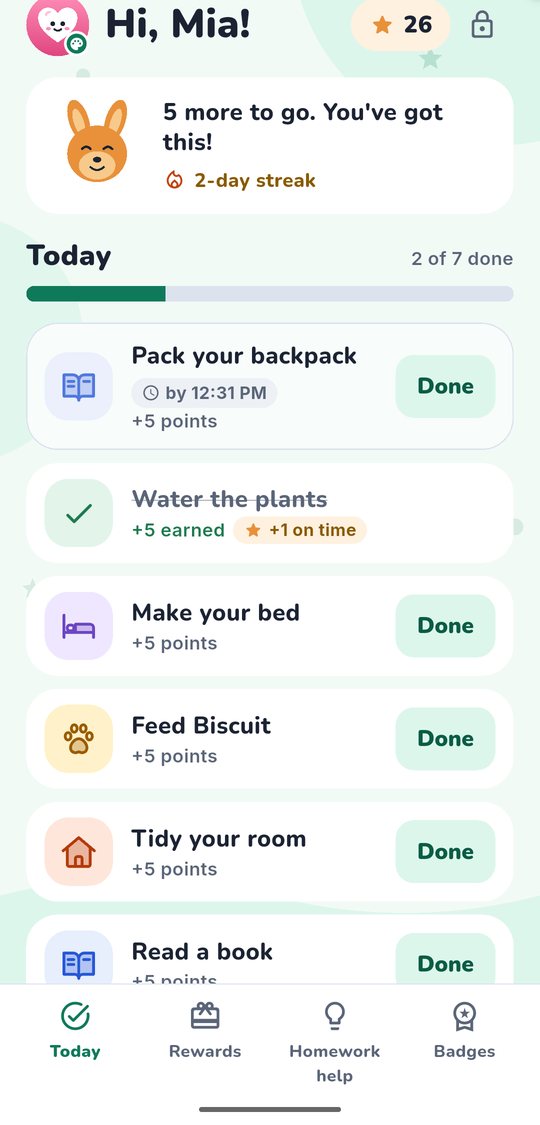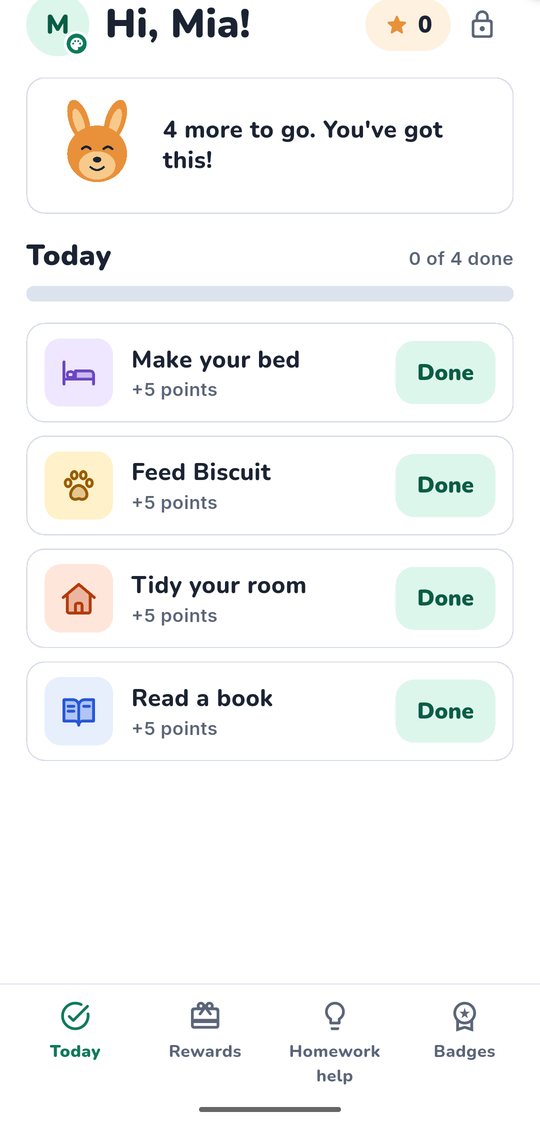
Search the app store for a chore app for kids and you will find dozens. Most look cheerful. Many promise to make chores fun. Some are thoughtful tools, and some are games that happen to mention dishes.
Before you hand one to your child, it helps to know what to look for. Here is a checklist you can run through in ten minutes, whichever app you are considering.
1. Clear points and rewards you control
Your child should be able to answer two questions at a glance: "How many points do I have?" and "What do I get for this job?"
Look for:
- A fixed number of points per chore, shown before your child starts it.
- A visible balance on your child's screen and on yours.
- A history of points added and spent, so you can settle the occasional "But I did that one!"
Watch out for apps with several currencies (coins, gems, stars and points that all do different things). Kids can end up focused on the currencies instead of the job.
Rewards should come from you, not from the app. You know whether your family runs on screen time, a later bedtime, choosing dinner, a trip to the park or a little spending money.
A good app lets you:
- Create your own rewards with your own point prices.
- Approve each swap. Your child asks, you say yes or not yet, and the points come off only when you approve.
- Change prices as your kids grow.
If an app sells rewards, pushes its own prizes or lets kids spend points inside the app on things you didn't choose, that is a red flag. Points should stand for something real in your family, and you should decide what.
2. No loot boxes, spinning wheels or mystery prizes
This one deserves its own section, because these features are everywhere and they look harmless.
A loot box or prize wheel gives a random reward. Sometimes you get something great, often you get something small. The uncertainty is the hook. It is the same pull that makes slot machines hard to walk away from.
Here is why that matters for chores:
- The job stops being the point. Kids start working for the spin, not for the clean room. When the spin disappoints, the motivation goes with it.
- Points stand for real things. If points can turn into screen time or money, a random draw with those points looks a lot like gambling, just with smaller stakes.
- It invites comparison. One sibling gets the lucky spin and the other doesn't, for the same work. That is a recipe for a fight at dinner.
- App stores take it seriously. Simulated gambling is treated as mature content in app store age ratings, which tells you something about where it belongs.
Fixed rewards are less flashy, and that is fine. "Five chores done, 25 points, here is what you can swap them for" is something a child can plan around.
Kids learn more from "I worked for it and earned it" than from "I got lucky this time."
3. Design that fits your child's age
A 6-year-old and a 14-year-old need very different screens.
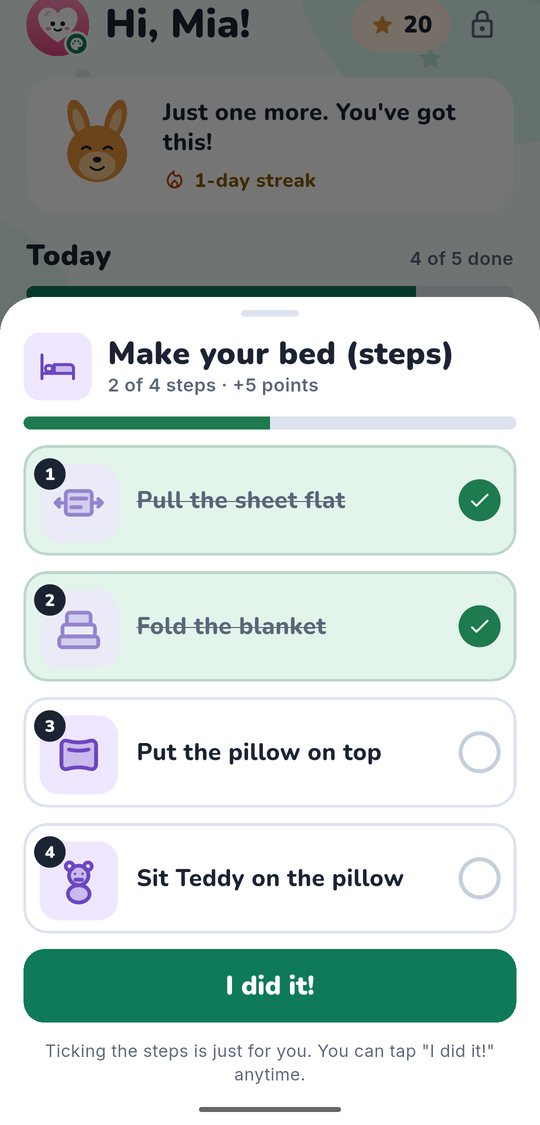
- For younger kids (around 5 to 7): big icons, few words, large tap targets and only a handful of jobs on screen. Bonus if chores can be broken into small steps with pictures, like "put toys in the bin, then books on the shelf."
- For middle kids (around 8 to 11): a readable list, visible progress and simple celebrations when a job is approved.
- For teens (around 12 to 16): a clean, grown-up look. Most teens will not use anything that feels babyish.
Also check that a missed day isn't treated as a failure. A streak that resets with a sad face can make kids feel bad instead of helping them restart. And skip apps with sibling leaderboards. Ranking your kids against each other rarely makes anyone help more.
4. Children's privacy, in plain words
This is the part most parents skip, and the part that matters most over time.
In the United States, a law called COPPA (the Children's Online Privacy Protection Act) covers apps and websites aimed at children under 13. In plain words, it means:
- A parent has to agree first. The app must get a parent's verifiable consent before collecting personal information from a child.
- Parents stay in control. You should be able to see what was collected and ask for it to be deleted.
- The app should collect only what it needs to do its job.
Canada and Australia have their own privacy laws, and a careful app will explain how it handles families in each country.
Questions worth asking any chore app:
- Are there ads? Ads in a kids' app usually mean someone is learning about your child to show them things.
- Is there tracking or analytics? Some apps include tools from third parties that record how your child uses the app.
- Who receives my child's data? The privacy policy should name the outside companies that receive information, such as the company that hosts the servers, and say what each one does with it.
- Can my child type messages or chat? Free-text boxes and messaging open the door to sharing personal details. For most kids' apps, tapping is enough.
- Can I delete everything? Look for a clear way to delete one child's profile or your whole family's data.
If the privacy policy is hard to find or impossible to read, that tells you something.
5. Works on your child's device, or on yours
Not every child has a phone or tablet, and not every parent wants them to.
A flexible app lets you:
- Pair a child's own device without giving your child an email address or password. A short code or QR scan is common.
- Use a shared device. Your child takes a turn in a kid view on your phone, and getting back to the parent side takes something only an adult can do.
- Sync both ways quickly, so when your child taps Done, you see it.
A quick checklist to keep
Before you commit, run down this list:
- Points per chore are fixed and visible
- You create the rewards and approve every swap
- No loot boxes, wheels or random prizes
- Screens suited to your child's age
- No sibling rankings, and no guilt for a missed day
- Parental consent before collecting a child's data
- No ads, no tracking, and named recipients of data
- No free-text chat for kids
- Easy deletion of your family's data
- Works on the child's device or a shared one
KudosNest is one app we are building with this list in mind: parents assign chores and set the rewards, kids tap Done and swap points for what you chose, and there are no ads, no tracking and no random prizes. It is on a waitlist for now. Whatever you pick, take ten minutes with this checklist first. Your kids will be using it far longer than that.