Chores done. Without the nagging.
Give each kid their list, approve with a tap, and let points turn into rewards they choose. Homework checking included.
- No ads, no tracking
- One price per family
- 4 languages
- Grades in about 20 sMath, grades 1–9
- Hints, not answersUp to 3 per problem
- Ages 6 to 15Child mode grows up
- 4 languagesOne per child
Set up in five minutes. Use it every evening.
-
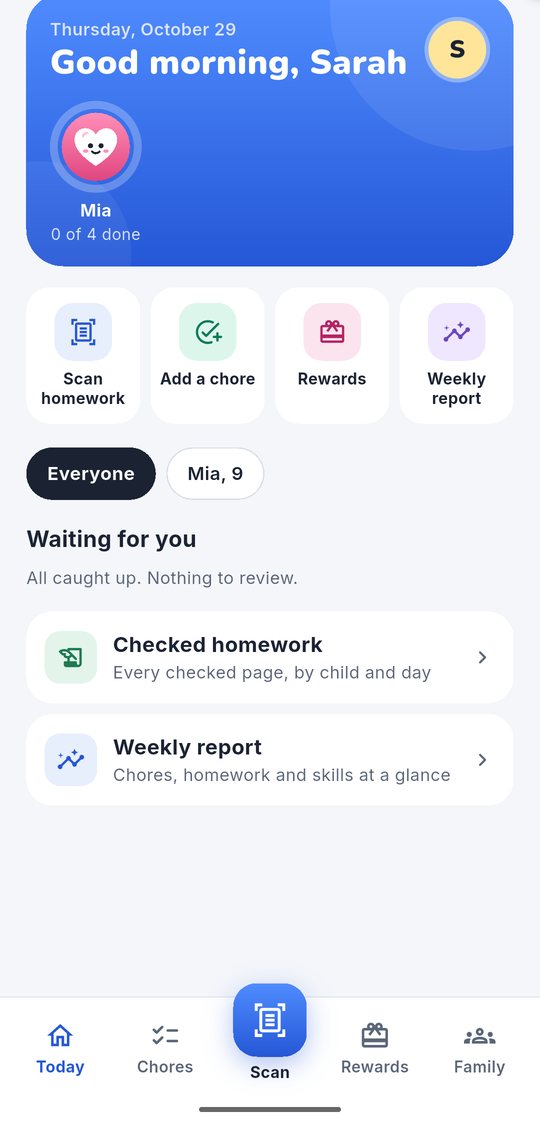
Add your kids
A nickname and an age. No email, school or photo of your child, ever.
-
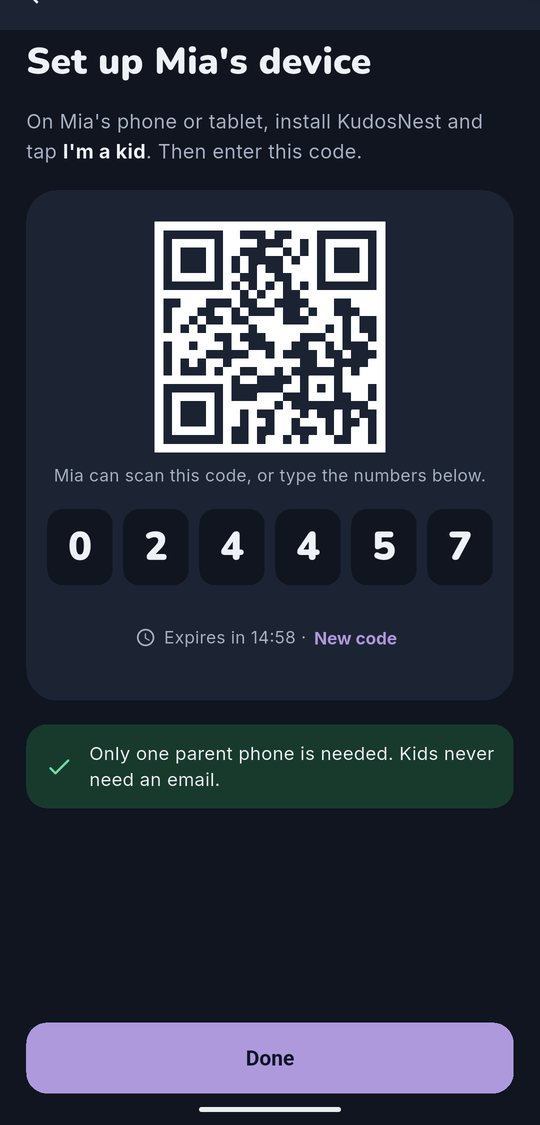
Pair their device
Scan a QR code from your phone, or hand them yours in child mode.
-
Snap, check, cheer
Photograph homework, approve chores, and watch the points add up.
A chore list kids actually want to finish
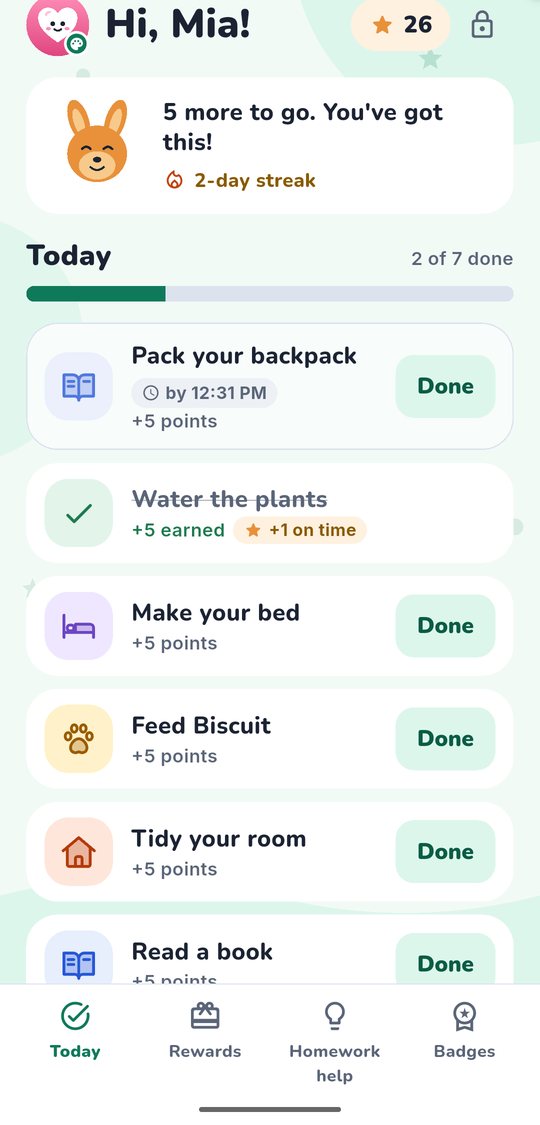
Kids tap Done, you approve, points go up. Rewards are ones you set: screen time, picking dinner, a trip to the park.
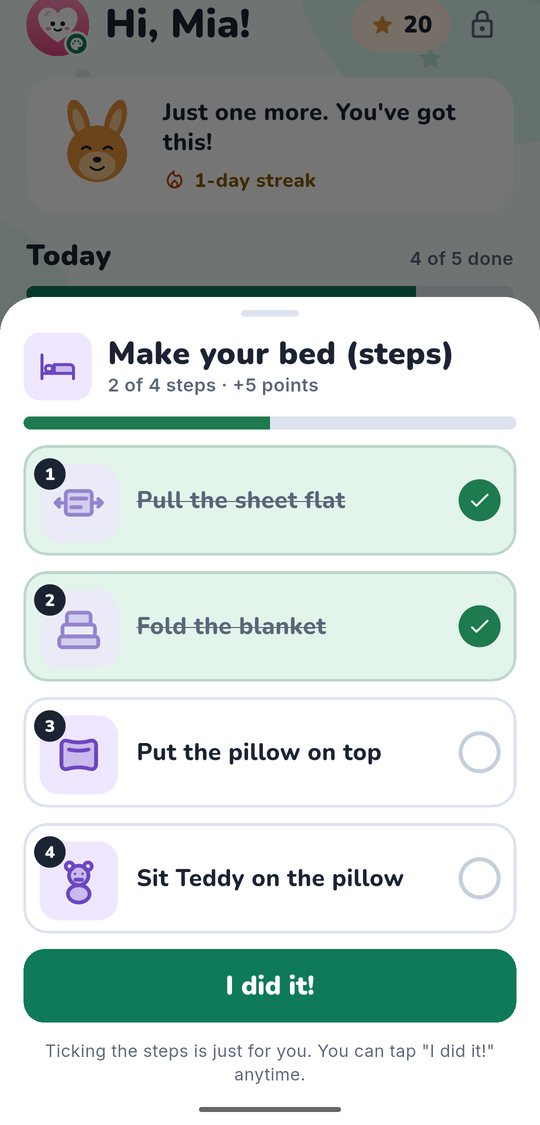
- Step-by-step pictures for little ones, reminders at the time you choose
- Confetti when a chore is approved, never random prizes or loot boxes
- Pause chores for a trip or a sick day; streaks don’t break
- A family goal jar everyone fills together, with no rankings between siblings
Roo's hint · 1 of 3
Question 4 · 3/4 + 1/8
Can you add fractions when the bottom numbers are different? What could you change 3/4 into?
Hints are questions. Roo never gives the answer.
See the exact step where it went wrong
Snap a page of math homework. In about 20 seconds you see what’s right, what’s not, and why, in plain words you can explain at the kitchen table.
- Finds the first wrong step, not just the wrong answer
- Flags answers it can’t read so you check them, and says AI can make mistakes
- Makes 5 practice problems on the skill your kid missed
- If your kid is stuck, Roo gives hints as questions, never the answer
Big pictures at 6. Grown-up at 14.
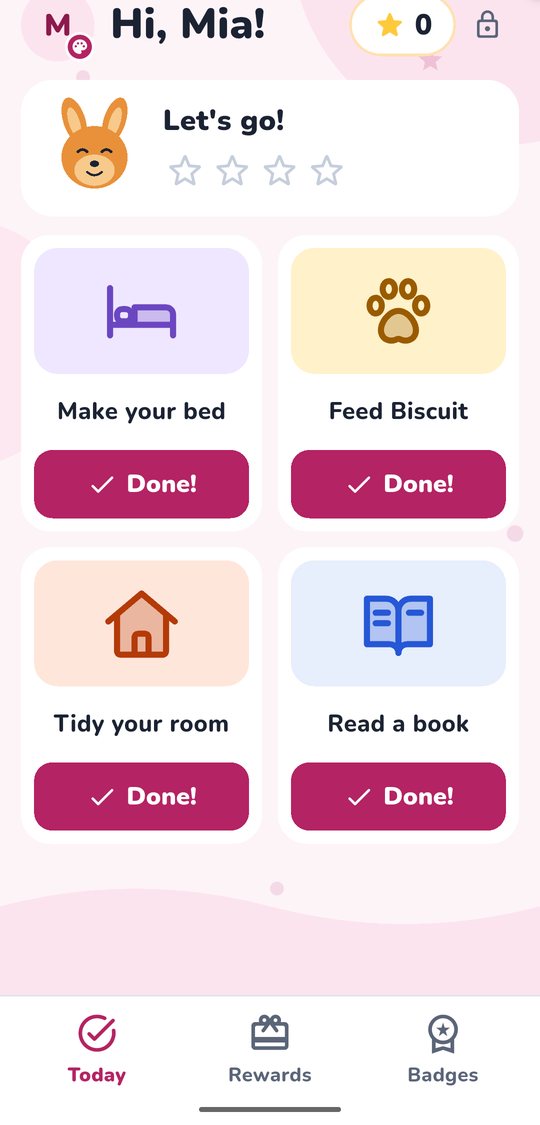
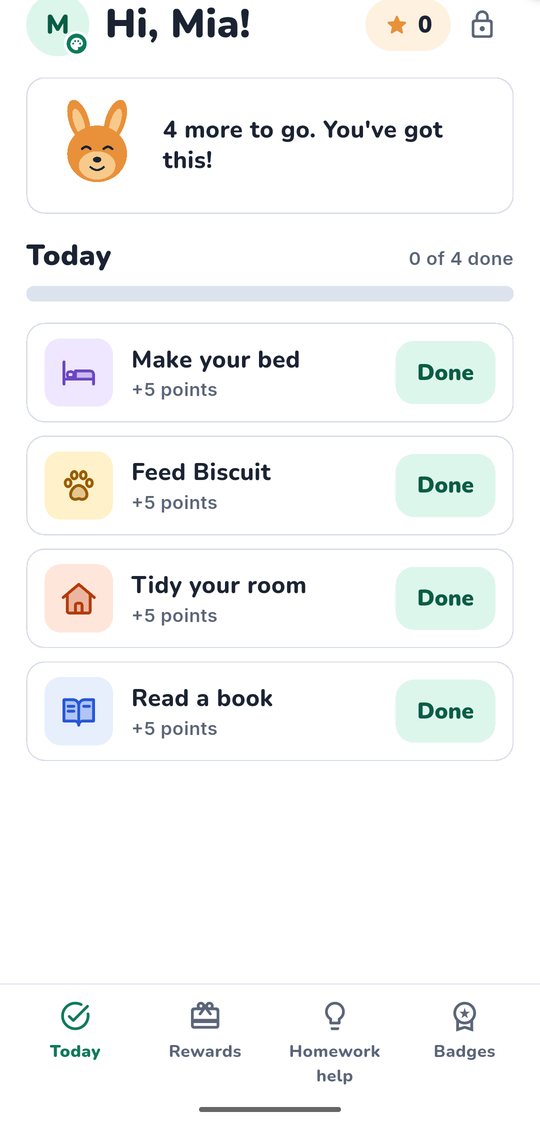
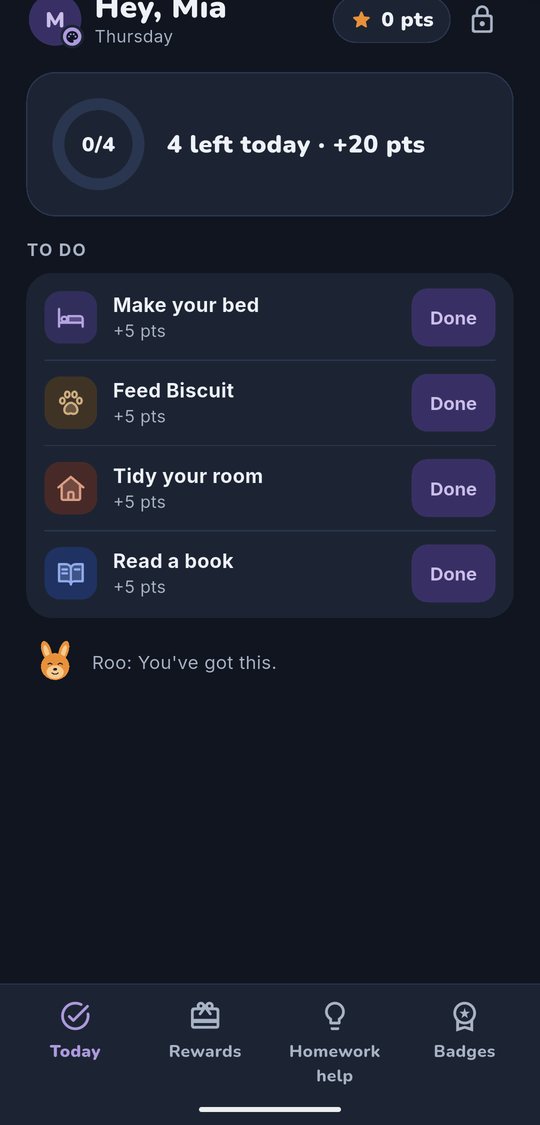
Child mode changes with age, and kids pick their own color and style. No gender boxes: just what they like.
- Ages 6–7
- Ages 8–11
- Ages 12–15
Built for kids under 13 from day one
We follow the US children’s privacy law (COPPA) and design for less data, not more.
Read our privacy policyNo ads, no tracking
No analytics or ad SDKs in the app or on this site.
A parent says yes first
Consent confirmed by an emailed code before child mode starts.
Photos gone in 24 hours
Photos with a face are blocked on the device.
Never used to train AI
Your family’s photos and answers never train AI. Kids type nothing: buttons only in child mode.
One price for the whole family
Every child, every parent, one plan.
Free
$0
Forever
- Chores, points and rewards
- Up to 2 kids
- Homework checking and hints in your first 30 days
Family
$4.99
a month, or $39.99 a year ($3.33 a month)
Founding-family price: keep it for as long as you stay subscribed.
- Unlimited kids and up to 4 parents
- About 150 homework pages a month
- Practice problems and weekly report
- Roo checks chore photos
Coming soon to the App Store and Google Play.
Questions parents ask
Does the AI give my child the answers?
No. Grading results are for you. When your child is stuck, Roo asks one leading question at a time, at most three per problem, and the app checks that a hint never contains the final answer.
Is it safe for kids under 13?
It is built for them. A parent confirms consent before child mode starts, kids never type (buttons only), there are no ads or trackers, and homework photos are deleted within 24 hours. The privacy policy lists every detail.
What ages is it for?
Kids 6 to 15. Child mode changes with age: big pictures and step-by-step chores for little ones, a simpler, grown-up look for teens. Homework checking covers math for grades 1 to 9 (Years 1 to 9 in Australia).
Which languages?
English, Español, Français, Tiếng Việt. Each child can use their own language, separate from yours.
When can I get it?
KudosNest comes to iPhone first, then Android. Join the waitlist and we’ll email you once, when it launches.
Be first when KudosNest opens
We’ll email you once when it’s ready. Only your email and how many kids you have: no newsletter, no tracking.